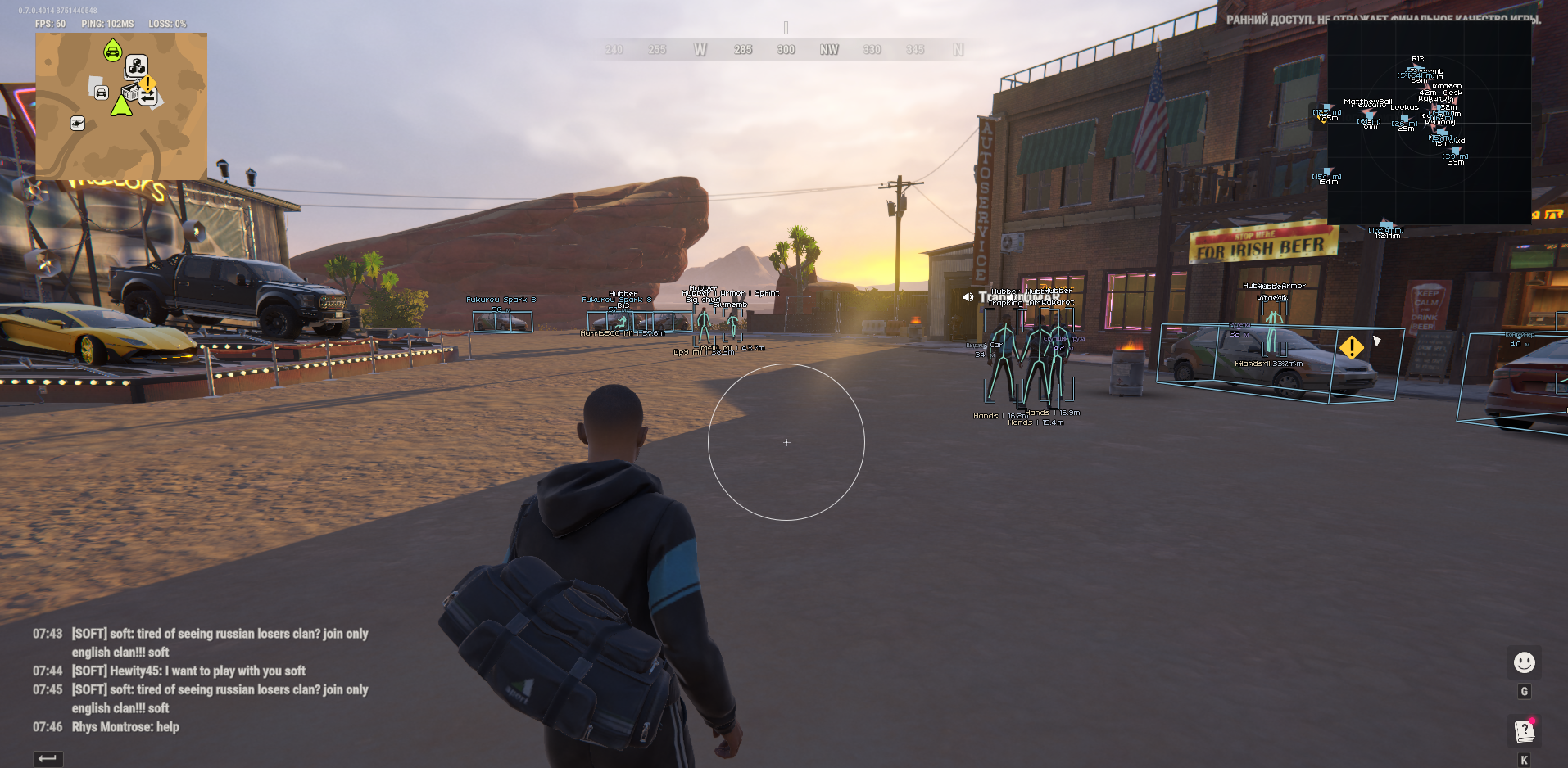
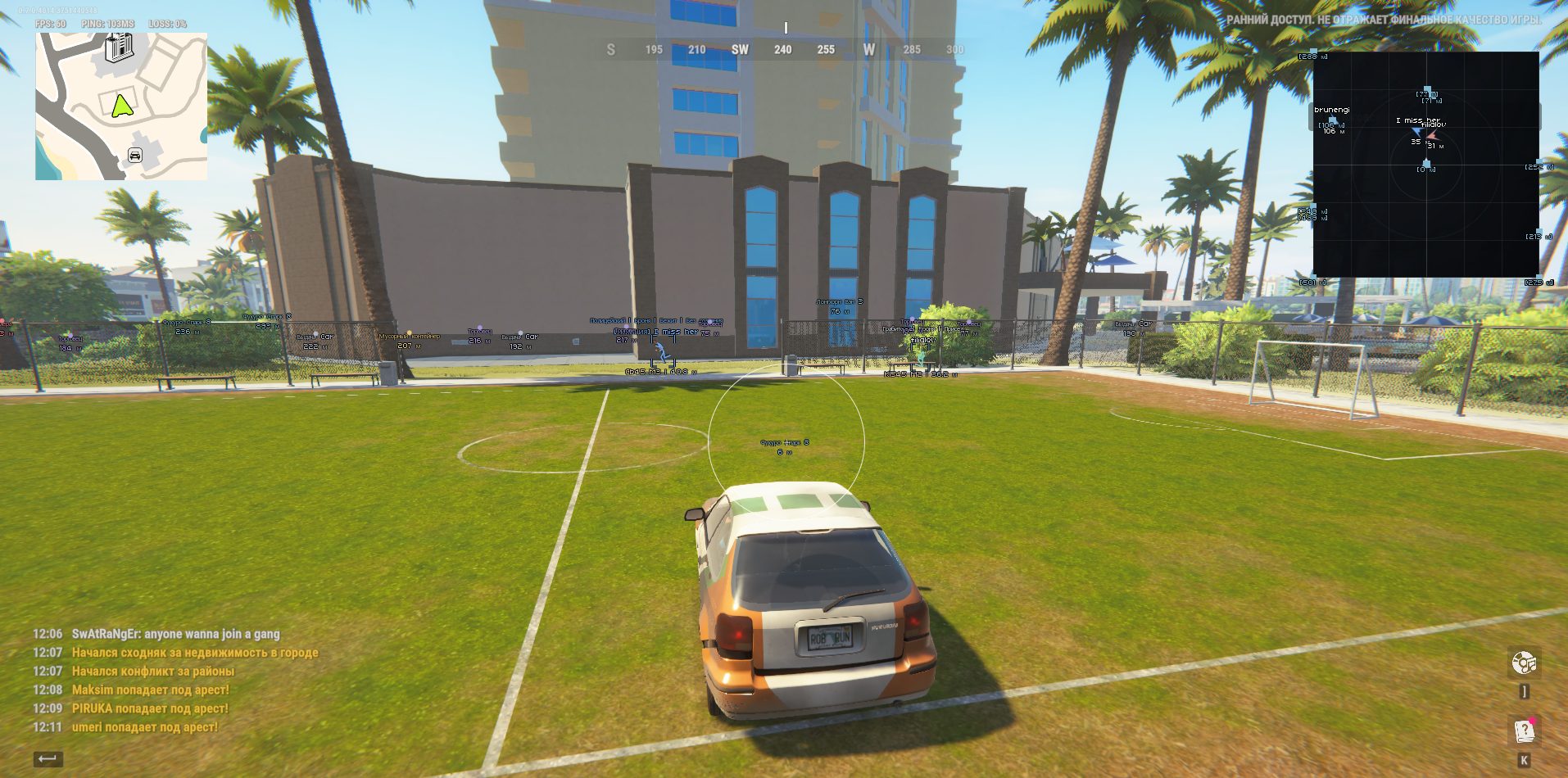
Aim enabled - Enables hover while holding down the assigned key and the ROB RUN window is active. Disabled by default. Activation key - One assignable keyboard key or mouse button. By default, the right mouse button. Press the bind field and then the desired key; Escape cancels the assignment. Aim FOV is the target selection radius in pixels: 10-500. The target area closest to the center is selected among the suitable targets. Aim smoothing - smoothness of the hover movement, range 1-30. Increasing the value makes the movement smoother and slower. Target bone - Select one point: Pelvis / Pelvis, Chest / Chest, Neck / Neck, Head / Head. An available real bone of the selected type is required for targeting. Aim distance - Maximum target selection distance: 10-1000 m. Target NPC - Allows you to select an NPC. Your character and the dead are not selected; you also need an up-to-date camera and correct skeleton data. Draw FOV - Shows one FOV circle with a configurable color when general rendering is enabled. The circle does not depend on the inclusion of aim or the availability of a fresh game frame. The old additional square has been removed. Input Conditions - Hover stops when you release a key, open a menu, lose game focus, or lack sufficiently up-to-date data. BattleMode is a separate visual filter, not an aim target selection setting.


 Catalog


 Processor
 Client
 OS
 Video card
 Bios